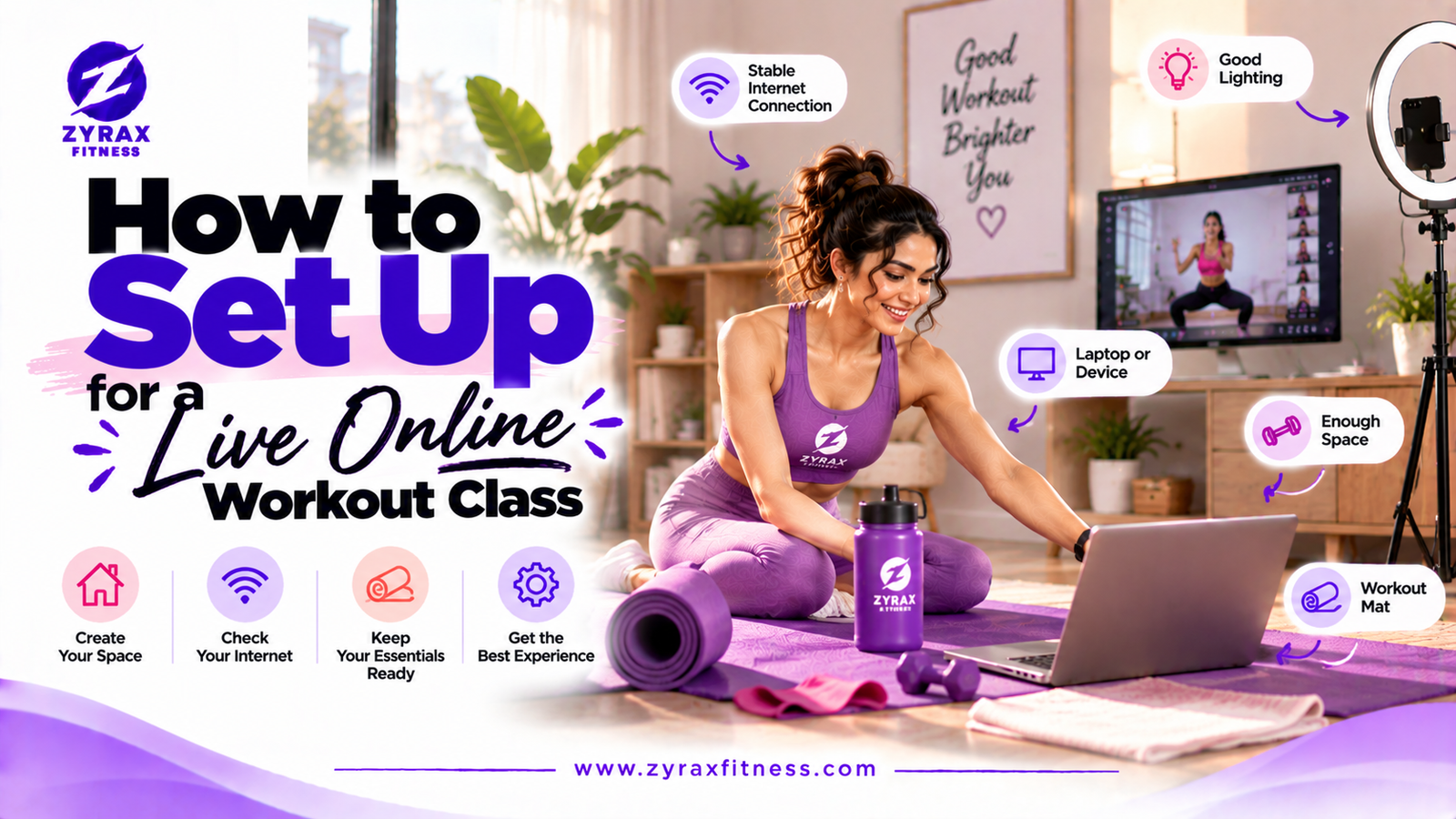
To set up for a live online workout class, you need four things: about 2 × 2 metres of clear floor, your phone or laptop placed so the trainer can see your whole body, sound you can hear over the music, and a stable internet connection. It takes about 10 minutes the first time and 2 minutes after that. Here is the full checklist, plus privacy tips for women-only classes.
Live online classes usually run on video-call apps such as Zoom or Google Meet. Your trainer shares a link before class. The setup is the same whichever app is used.
Step 1: Clear Your Space
Size: about 2 × 2 metres for Zumba; one mat's length plus arm space for yoga.
Floor: non-slip. Avoid rugs that slide, and wipe tiles dry.
Hazards: move small tables, toys and wires out of the way. Check you won't hit a ceiling fan when your arms go up.
Air: open a window or switch on the fan before you start.
You can usually rename yourself (first name only) and turn on the camera only when the trainer needs to check your form. Ask your trainer what they prefer.
Choose a camera angle that shows your space, not your whole home. A plain wall behind you works well.
Classes are generally not recorded with participants visible, but ask your provider what their policy is.
A good setup means your trainer can see you, you can hear them, and nothing trips you up. Do it once properly, keep the checklist handy, and every class after that starts in two minutes.
No. A smartphone works well if it is placed at the right distance and in landscape mode. A laptop or TV screen just makes the trainer easier to see.
It depends on the class. Keeping it on lets the trainer correct your form, which is the main benefit of a live class. Many classes let you turn it on only when needed.
Live classes run on whichever app the provider uses, often Zoom or Google Meet. Both work on phones and laptops, and you can usually join from the link without creating an account.
Switch to the view that shows only the trainer, turn off other devices' streaming, or use mobile data as a backup.
Three to five minutes early gives you time to check sound and video and say hello to the trainer.
Key Takeaways
Clear about 2 × 2 metres of non-slip floor before a Zoom or Google Meet workout class.
Put your phone in landscape, 2–3 metres away, so the trainer sees you from head to feet.
Use a speaker, stay on mute, keep the device charging and sit close to your Wi-Fi.
Rename yourself, choose a plain background, and ask about women-only batches and recording policy.
Ready To Begin?
Put On Your Favorite Song and Start
Join Zyrax Fitness's live online Zumba and yoga classes and make your fitness journey fun again.